
First, make sure that you have added students to your class before you invite their families.
1. Log in to your teacher account from the web (app.seesaw.me).
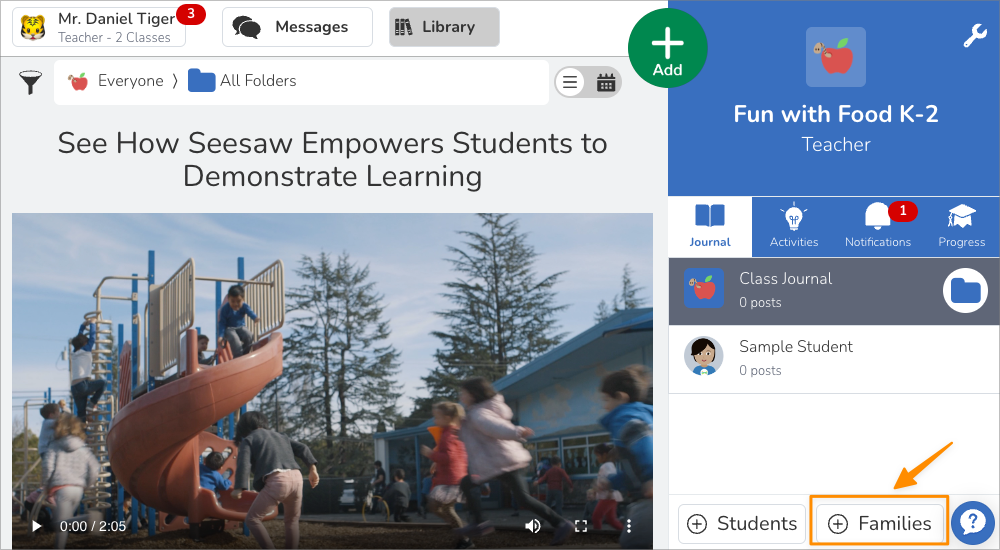
2. Go into the class you'd like to connect families to and tap the + Families button.
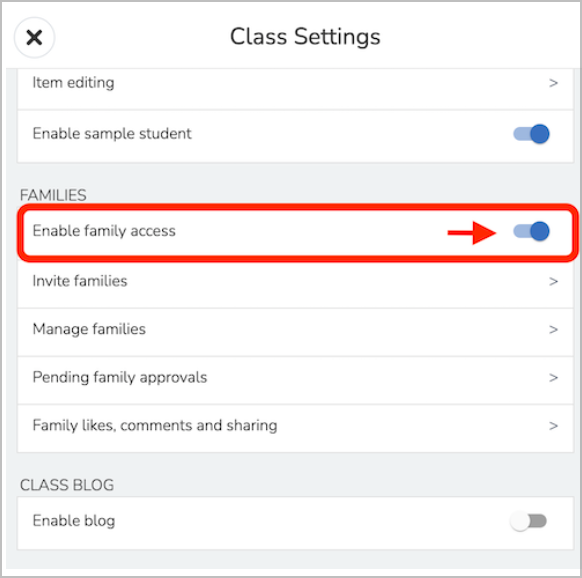
Family Access is automatically set to OFF as a default setting on all classes.
3. Tap Enable Family Access. Remember, family members only see posts that their child is tagged in or posts that the teacher adds to “Everyone”.
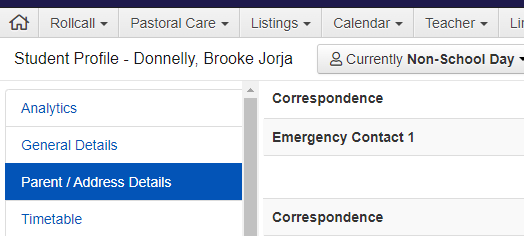
To invite family members by email, add family member email address next to each student’s name. For privacy you must only use email addresses visible in the Correspondence section of TASS Staff Kiosk (https://mancel.qld.tass.cloud/kiosk).
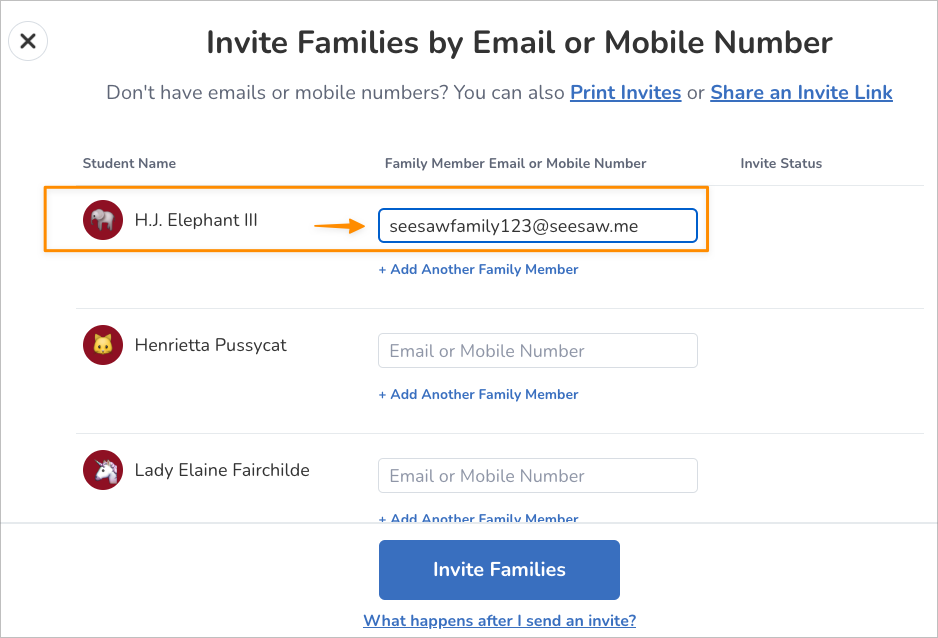
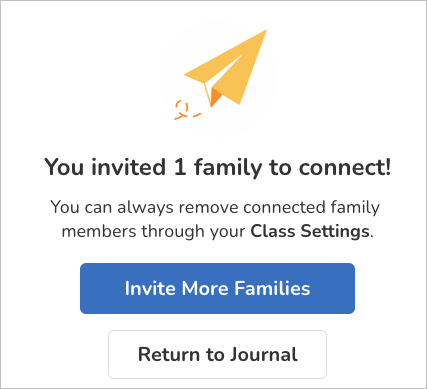
A pop-up will appear.
Once you’ve added email addresses, you can look back at any time to see the family members who have connected to each student journal.
You can remove connected family members through your Class Settings menu.