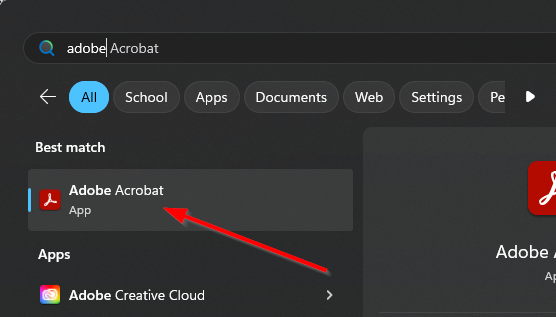
- Open Adobe Acrobat.
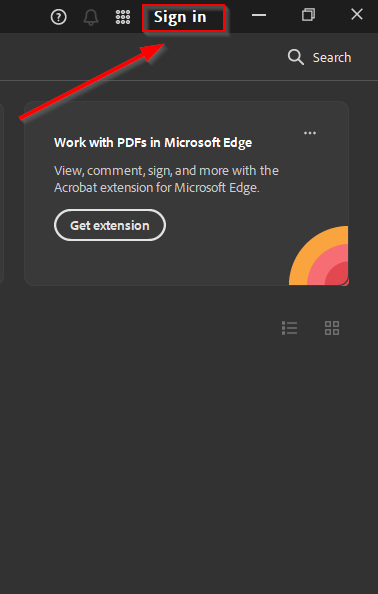
- Click on “Sign in” in the top right corner.
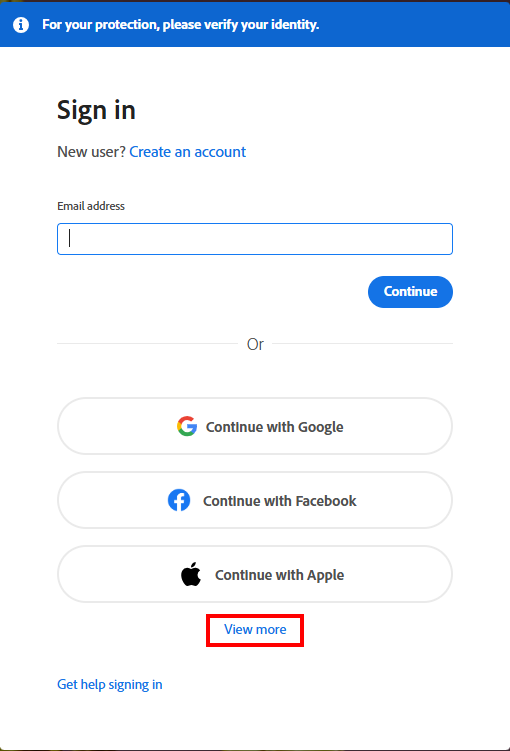
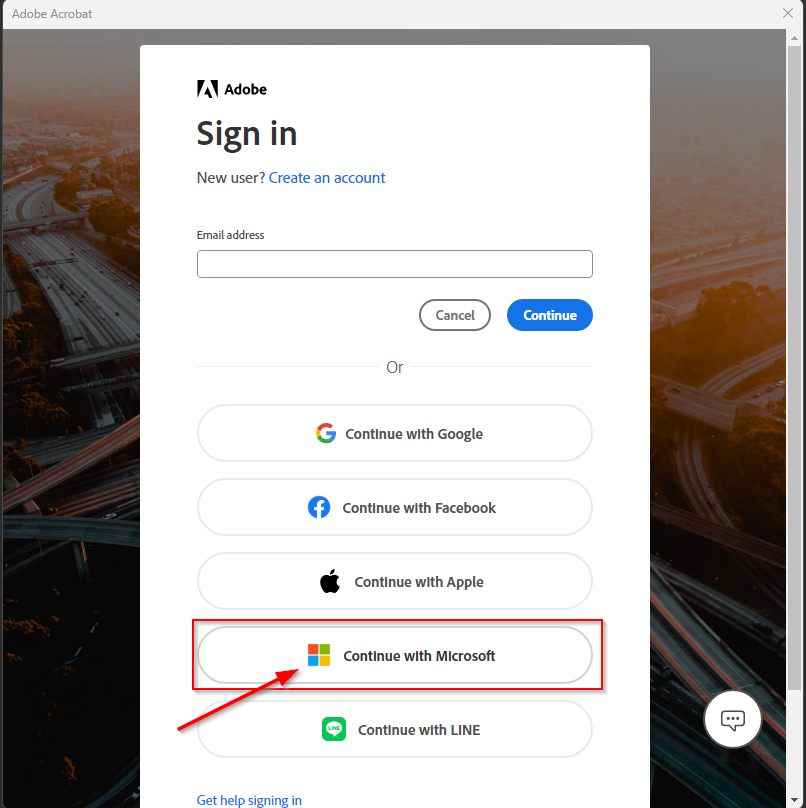
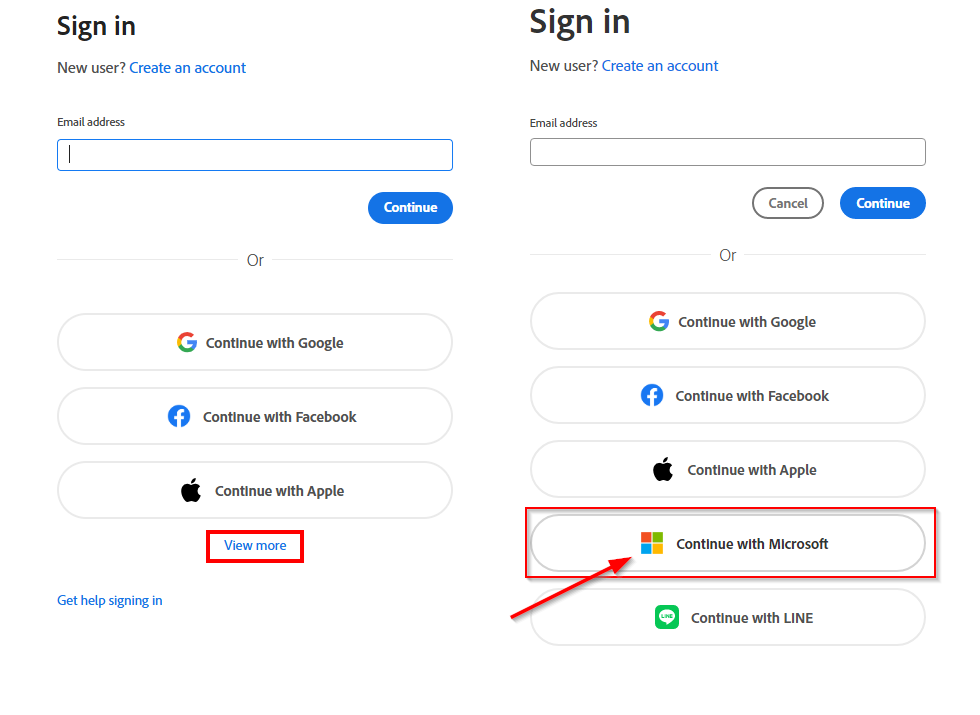
- Click on “View more” and then select “Continue with Microsoft.”
- Check your Edge browser and select “Mancel College.”
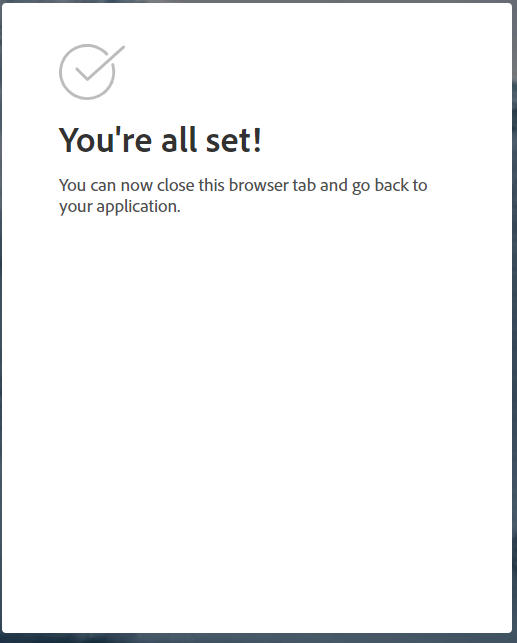
- You should see a message confirming that you are all set.

Modified on: Fri, 2 May, 2025 at 7:45 AM
Did you find it helpful? Yes No
Send feedback