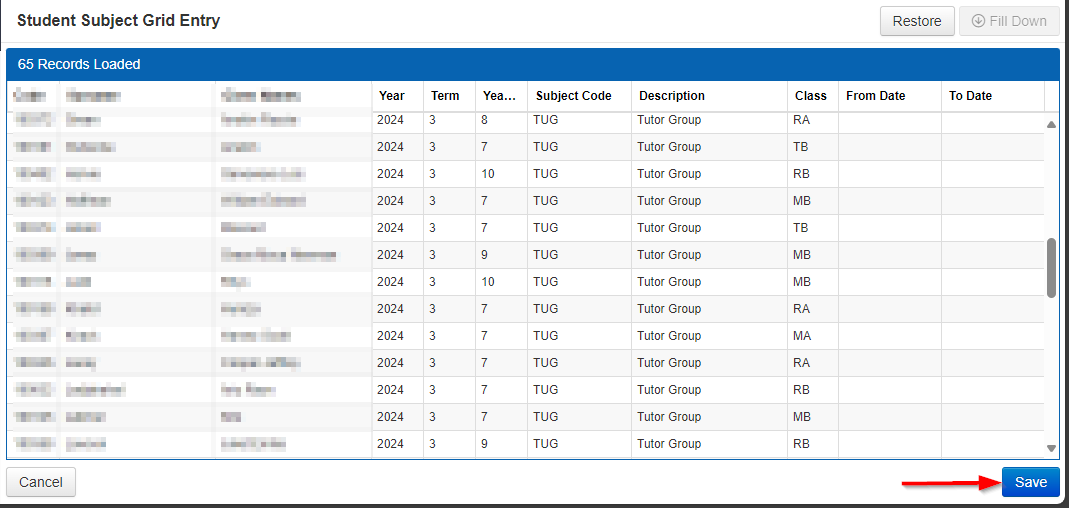
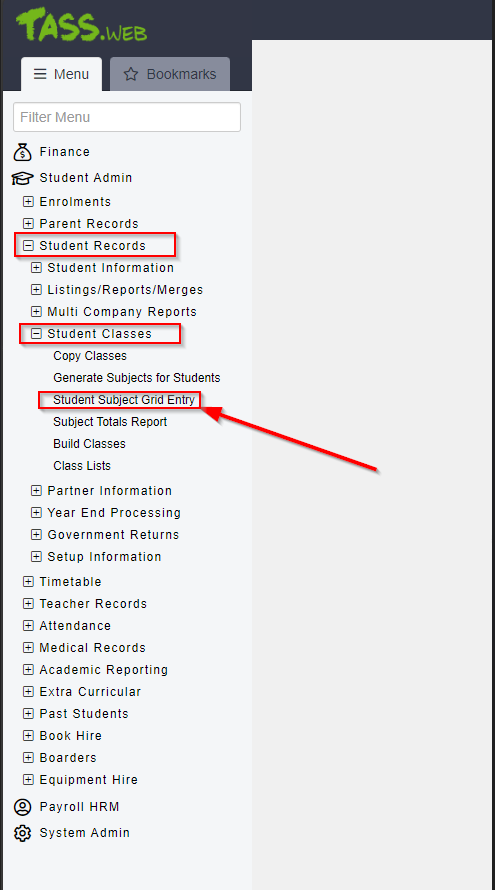
1. Access TASS.web: Log in to TASS.web and navigate to Student Records > Student Classes > Student Subject Grid Entry.
2. Select the Appropriate Settings:
- Choose the desired Year and Term.
- Select the subject you want to modify (in this case, "Tutor Group").
- Select Go
3. Locate and Update the Student:
- Find the student you wish to move.
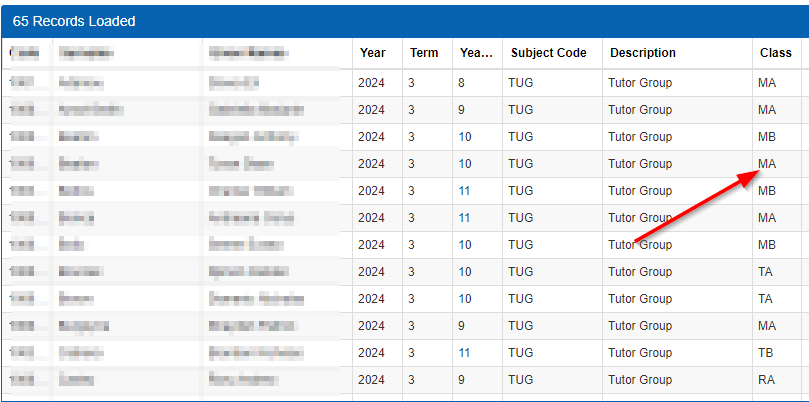
- Change the existing class code to the new class code for the desired class.
Save Changes: Ensure all changes are saved to update the student's class information.