
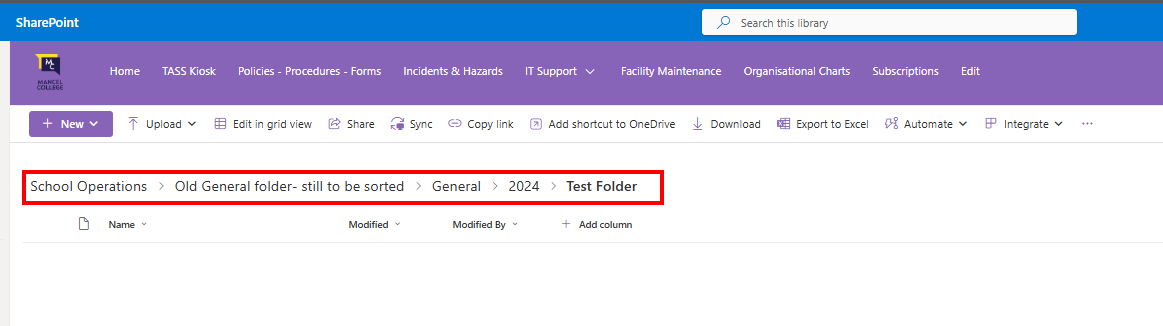
Navigate to the destination folder you want your files to live.
In this example, we will use the "Test Folder" below:
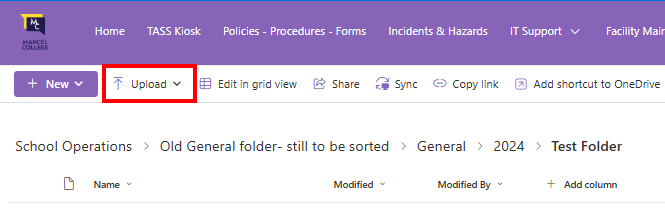
Now that you are in the spot you want your files to go, press Upload.
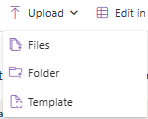
You can upload a file, or a whole folder.
If you have multiple files to upload, all stored in the same place, "Folder" would be the best option:
This new window will open your files system, so navigate to the location where your Upload
Make sure you have the desired file or folder selected, then press Upload.
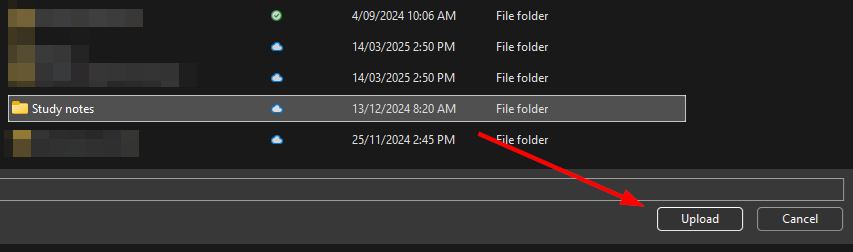
You will get a few pop-ups. If this is the correct folder/file, just confirm it by pressing the blue Upload button.
Then you will get a progress bar of upload.
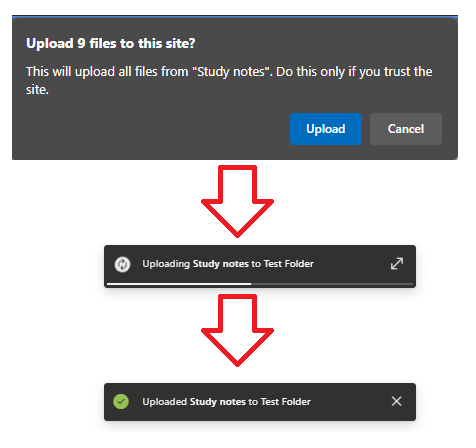
Once complete, your file and/or folder will show up on the SharePoint
