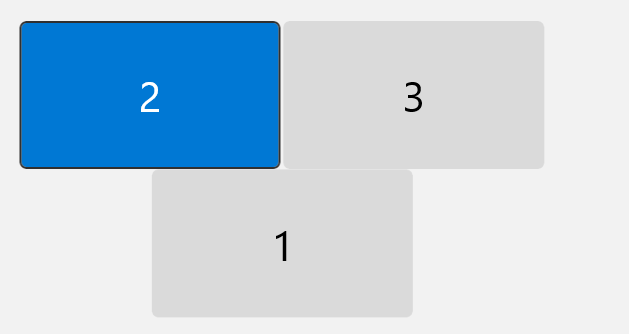
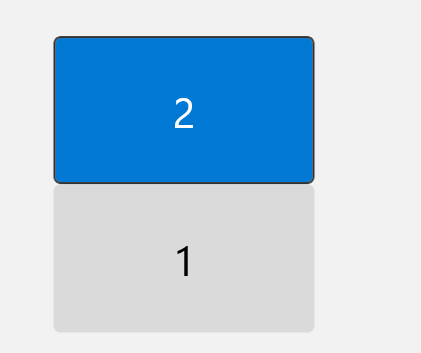
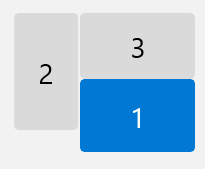
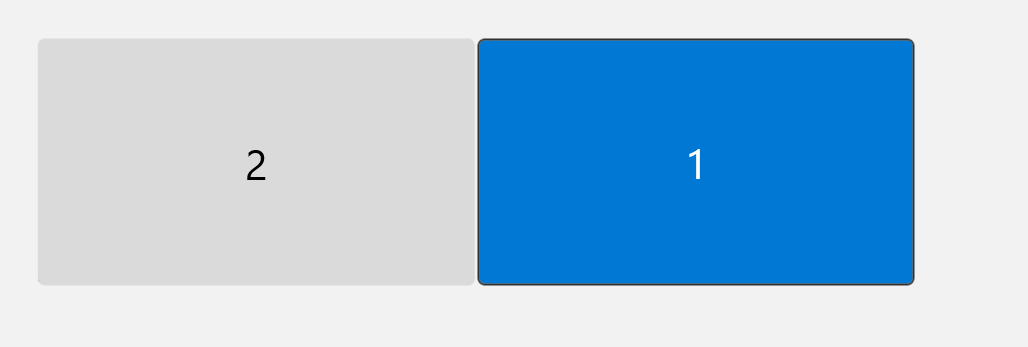
To setup multiple screens with your laptop.
1. ensure your laptop is connected to screen / dock
2. Windows key ? + P
This menu will appear, select extend: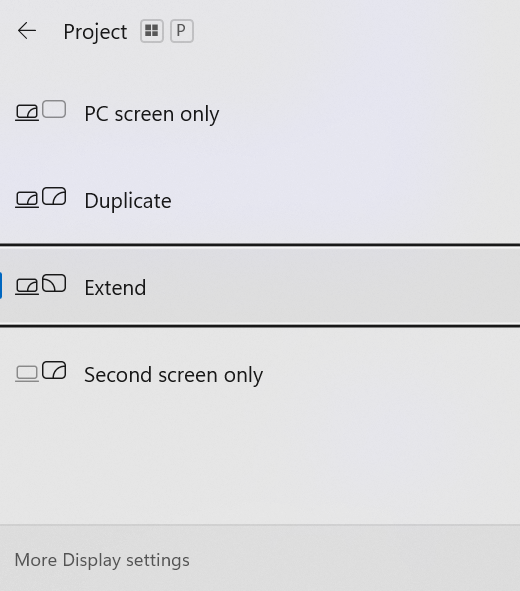
On the DESKTOP, right click anywhere that is blank, and this menu will appear, select Display settings:
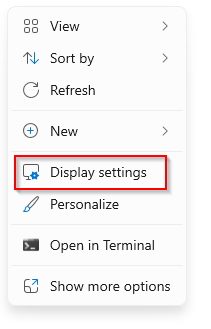
- Your PC should automatically detect your monitors and show your desktop. If you don't see the monitors, select Detect.
- In the Multiple displays section, select an option from the list to determine how your desktop will display across your screens.
- Once you've selected what you see on your displays, select Keep changes.
3. When you press identify each of the screens will show a number.
4. You are able to drag the image of the screens to suit your preferred layout.