1. In the Mancel College SharePoint, click on the Subscriptions shortcut in the top Menu.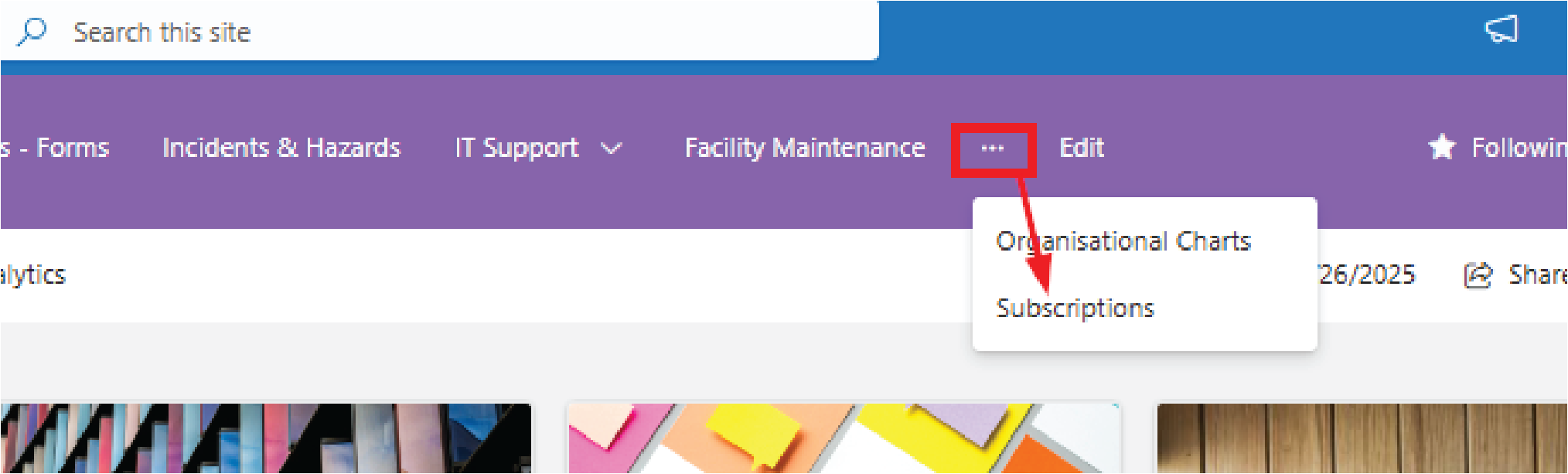
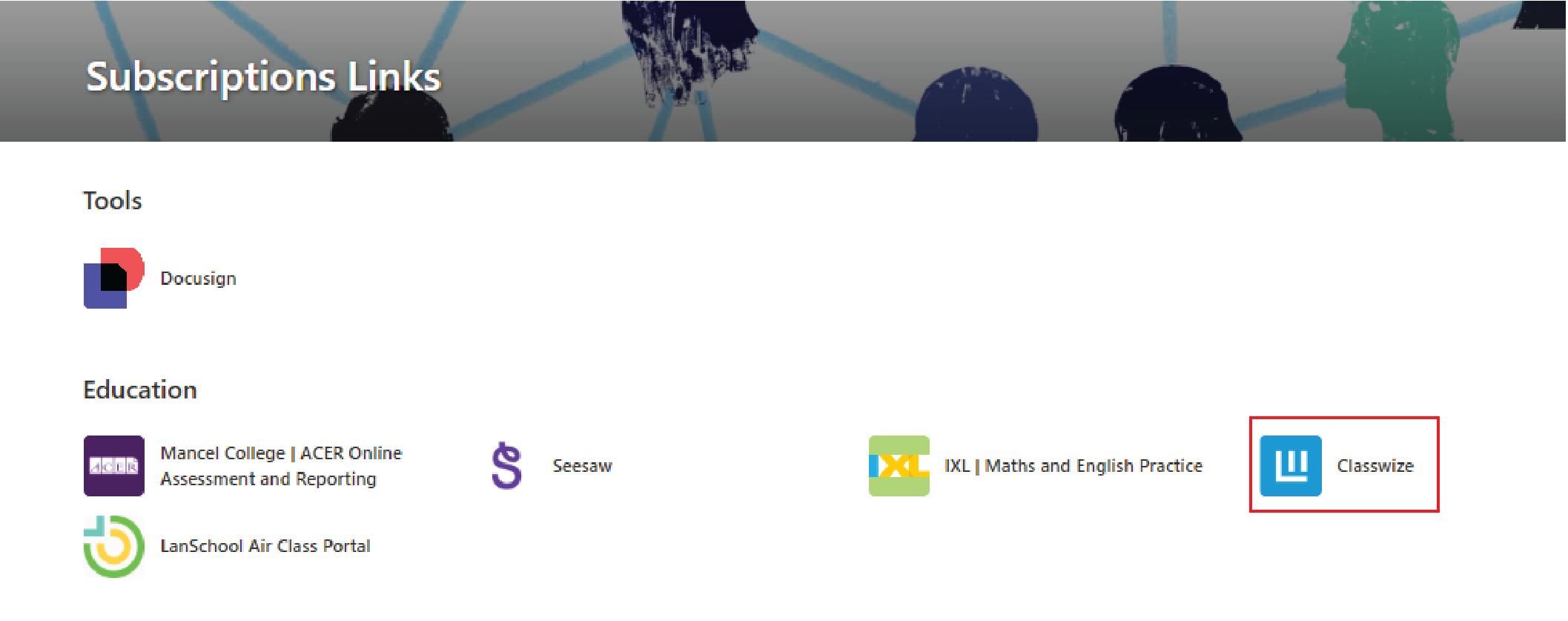
2. In the EDUCATION section, click on ClassWize.
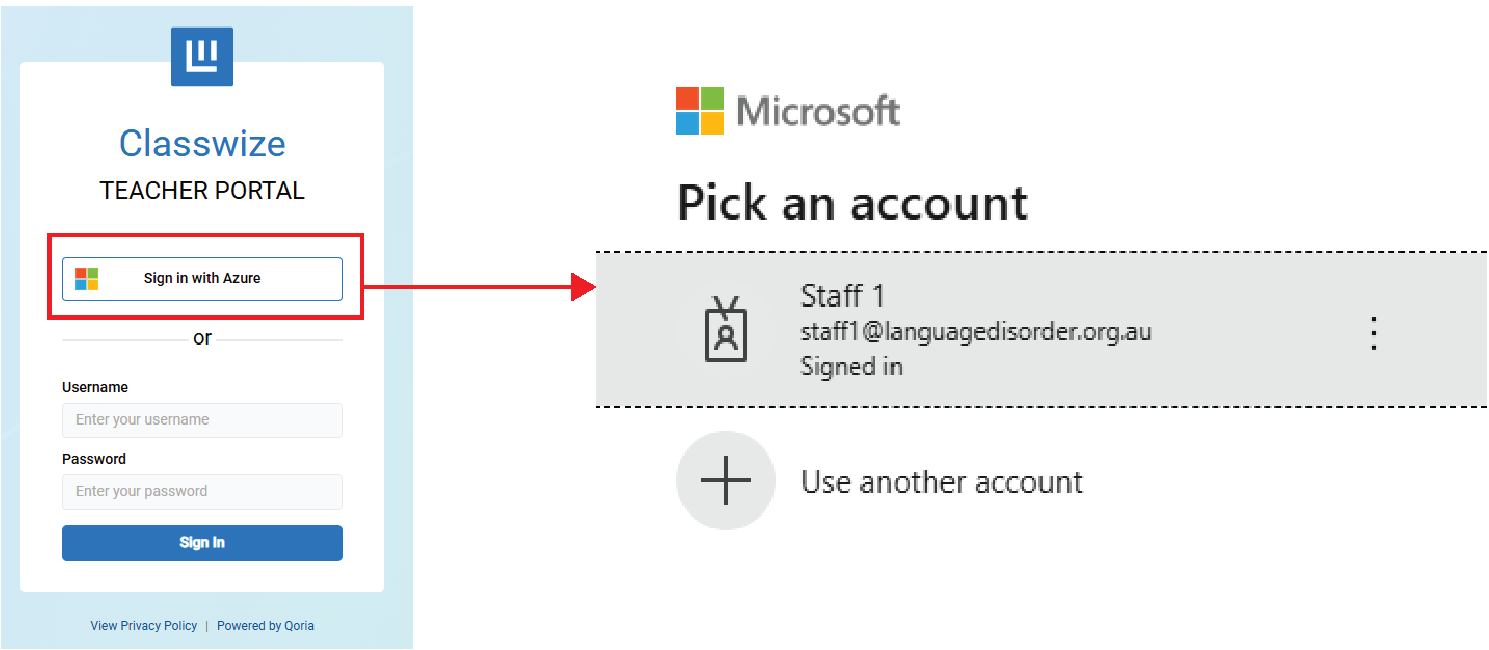
3. You'll be taken to the sign-in portal. Click Sign in with Azure. Enter your email and password. This will take you to the ClassWize Dashboard.