On the occasion when doing reports that utilize tables. You might find that it splits across pages, heading included.
Example below:
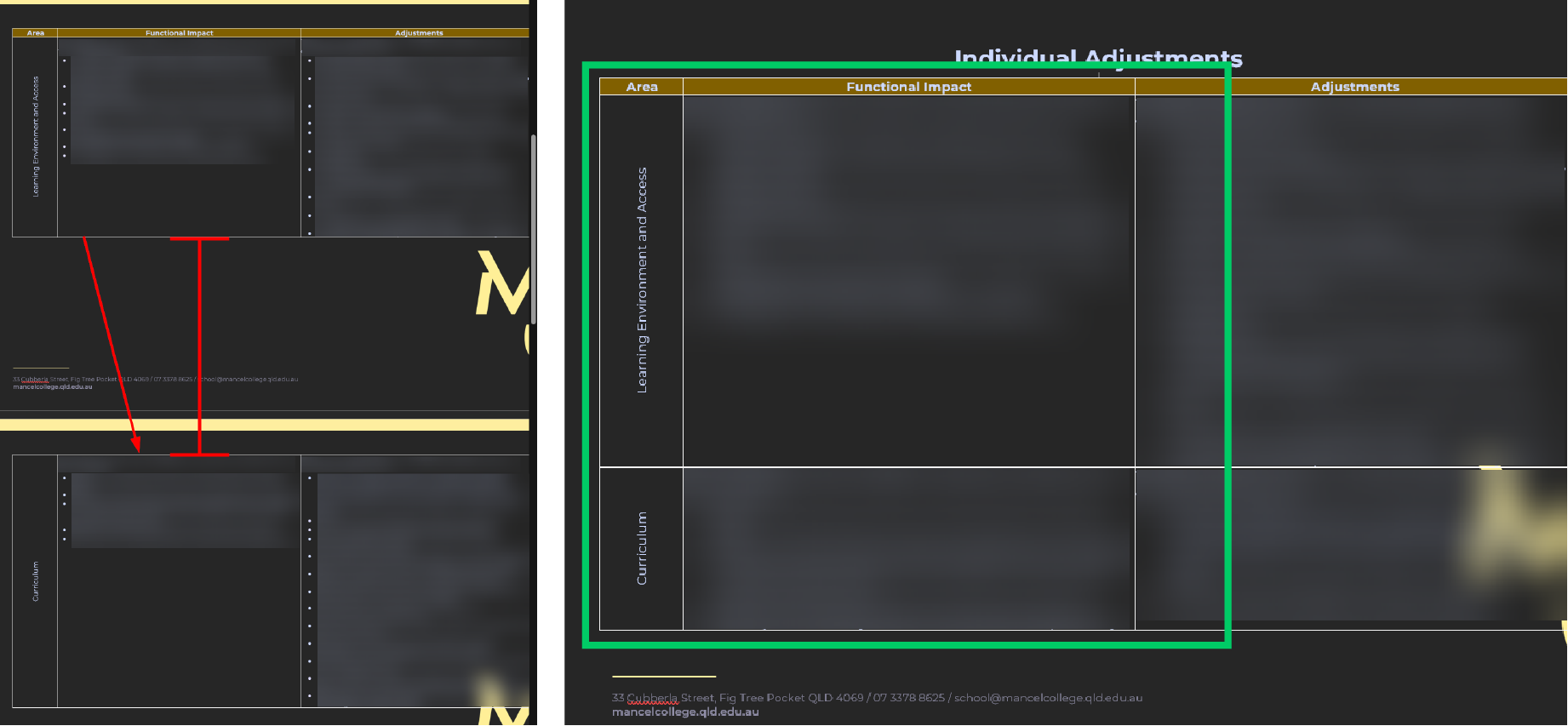
Can be easily fixed.
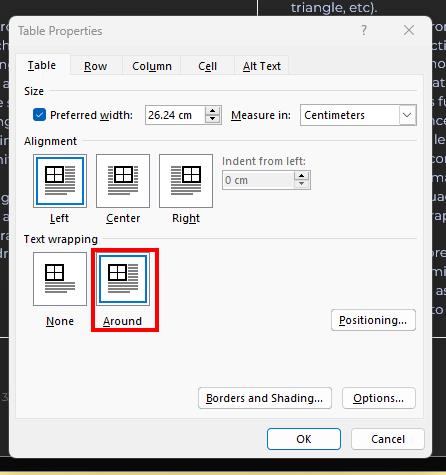
Right click on the table > Table Properties > Text Wrapping > select "Around"

Modified on: Fri, 26 Sep, 2025 at 12:32 PM
On the occasion when doing reports that utilize tables. You might find that it splits across pages, heading included.
Example below:
Can be easily fixed.
Right click on the table > Table Properties > Text Wrapping > select "Around"
Did you find it helpful? Yes No
Send feedback