
To recall and email that has been sent and delivered, open your outlook through the WEB APP. Can be accessed here: Mail - Web App - Outlook
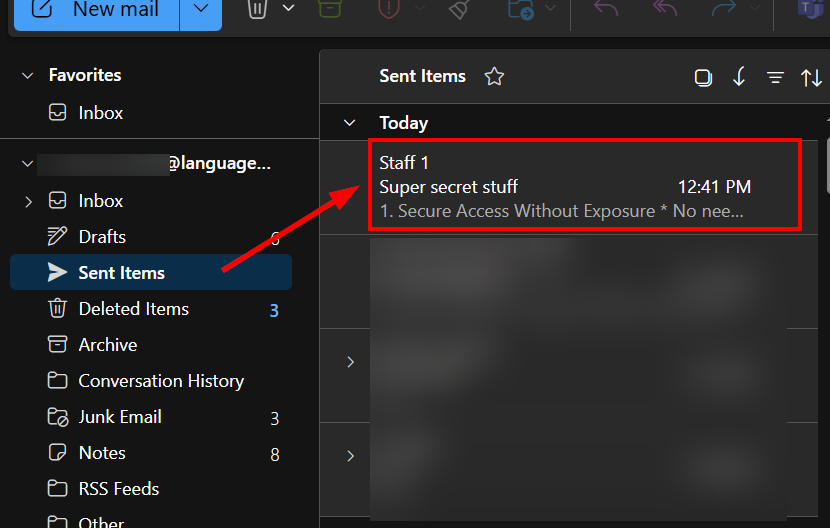
- Navigate to your Sent folder and locate the email you want to recall.
- Select it to open the email.
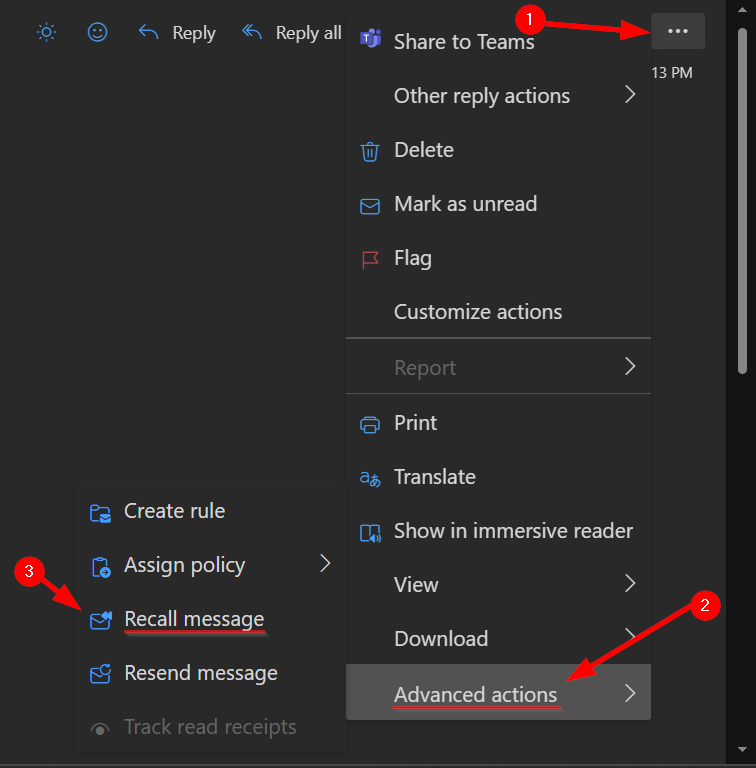
- On the top right-hand side of the email window, you will see 3 ellipses.
- Click on it and a drop-down menu will appear.
- At the bottom, click on Advanced Options and then select "Recall Message".
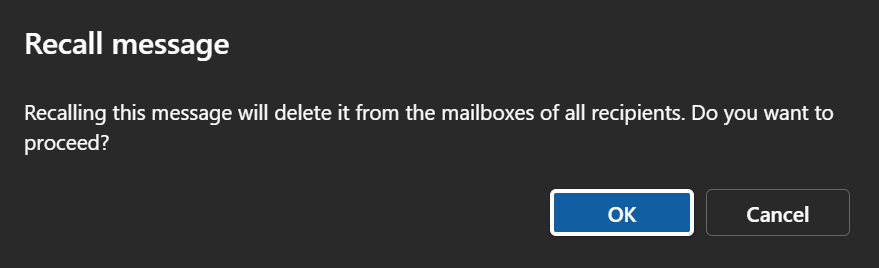
A pop-up window will warn you that this will delete the email from all recipients and confirming that you want to go ahead with this.
This should only take a few minutes to complete.